user help
ONE,add friends
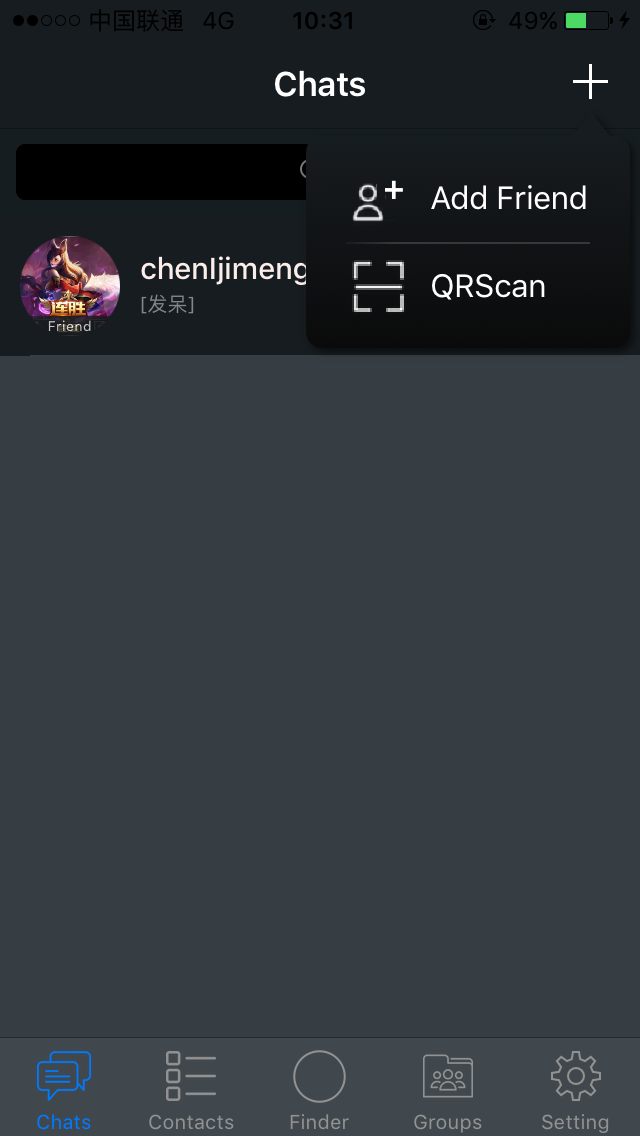
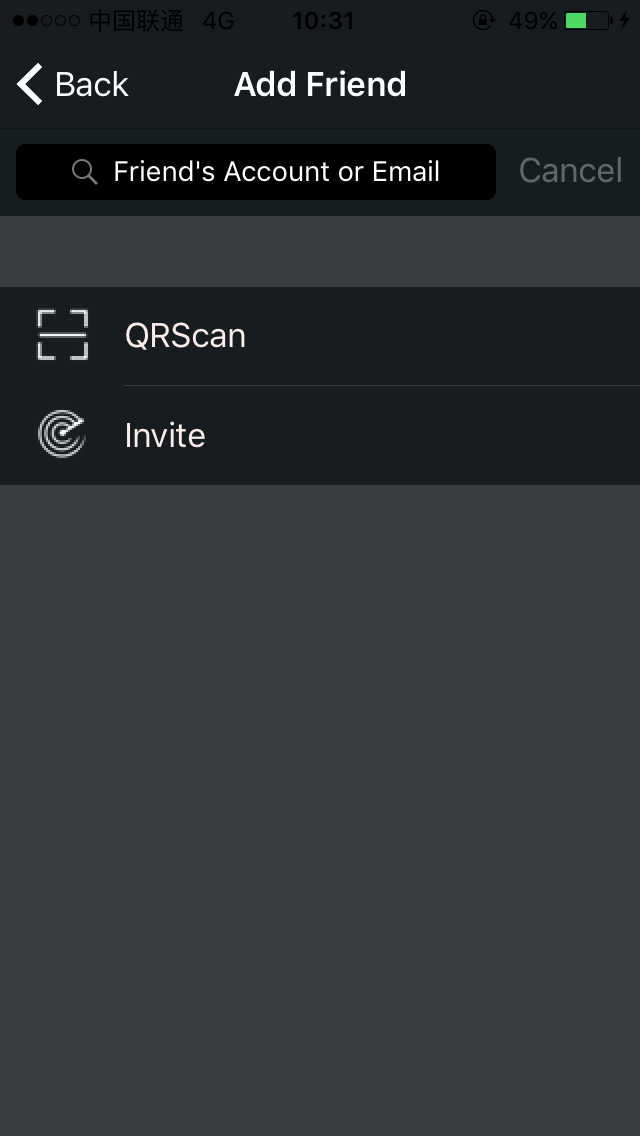
After entering Hichat, touch the upper right corner of the [+] -> [add friends] to enter the add friends interface.
You can add friends by:
1, search plus friends
Enter a friend's Hichat / Emaail search to add, do not support the search nickname.
2, sweep two-dimensional code plus friends
Scan friends of the two-dimensional code card to add friends, you can also share their own two-dimensional code card to a friend.
View the two-dimensional code method: enter the Hichat settings interface -> enter the personal information interface to view the personal two-dimensional code.
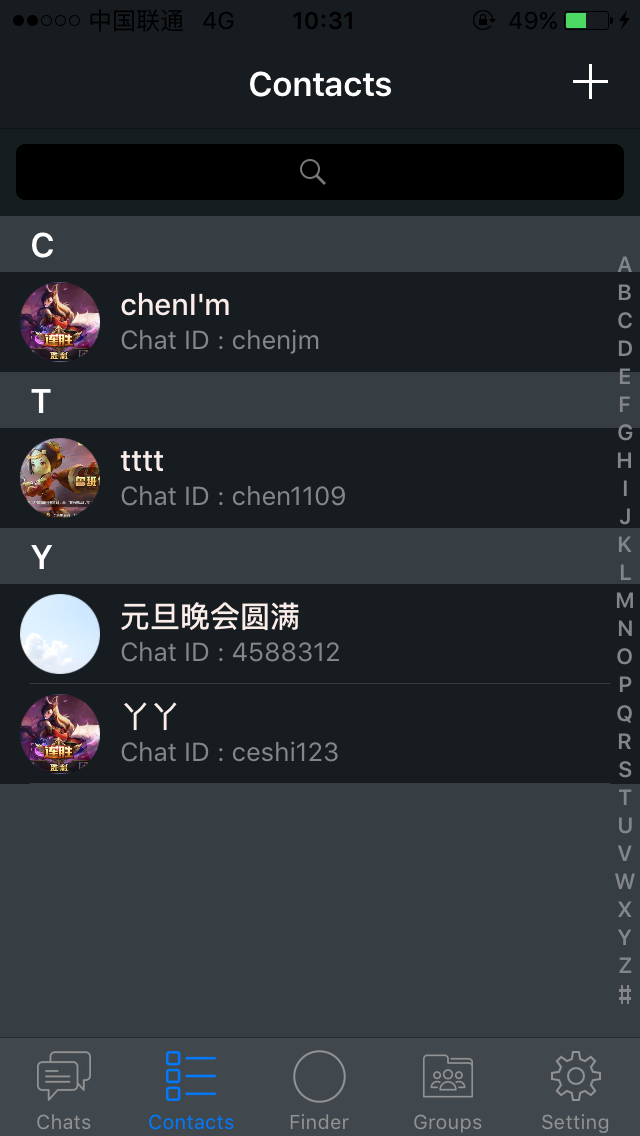
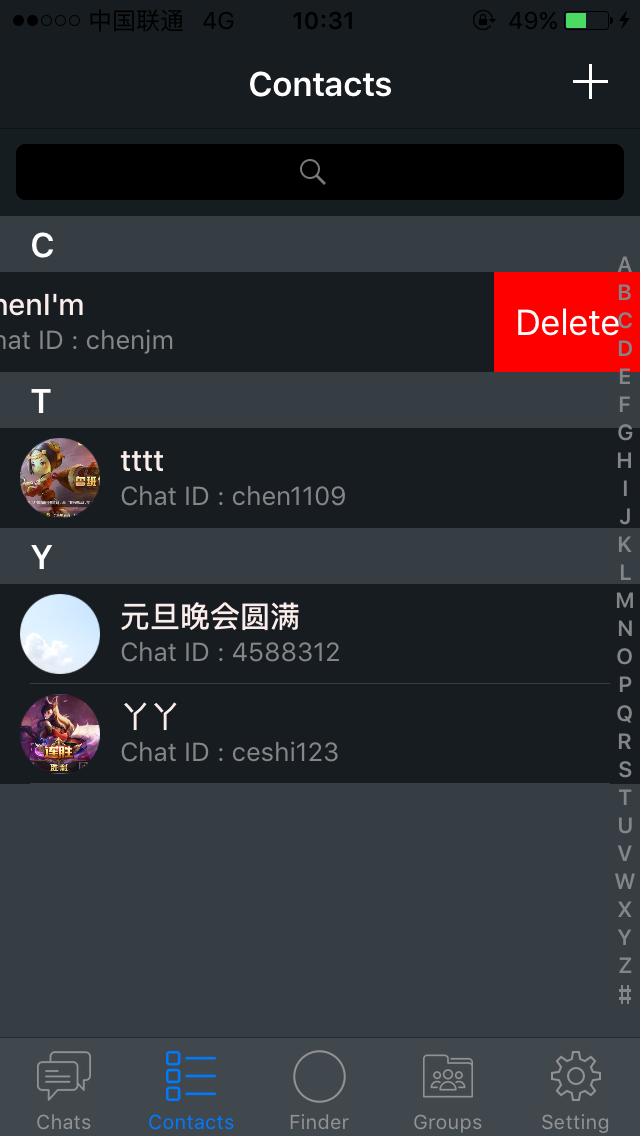
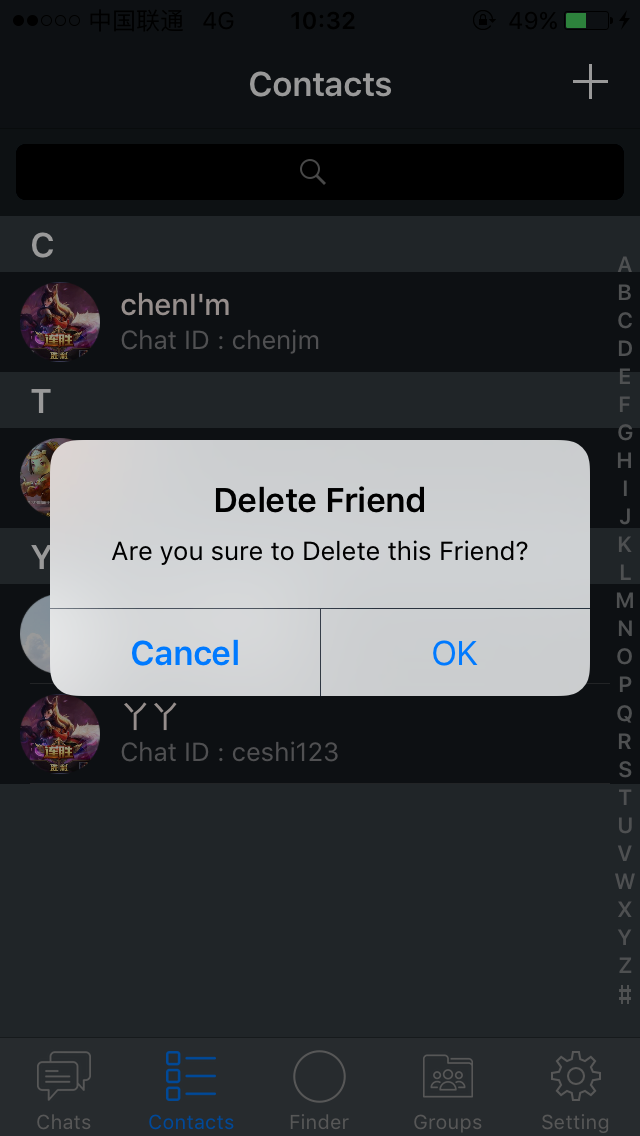
TWO,remove Hichat friends Go to Hichat [contact] -> touch the friends to be deleted to slide to the left -> click Delete to delete the key> and then click OK (delete friends after the chat with the friend to delete).
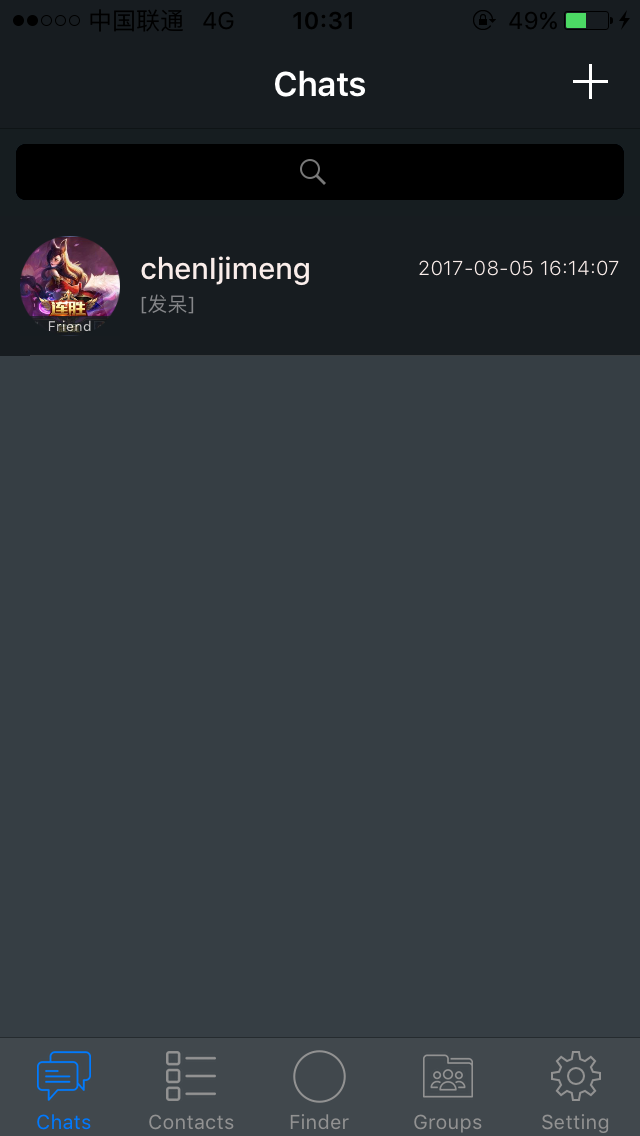
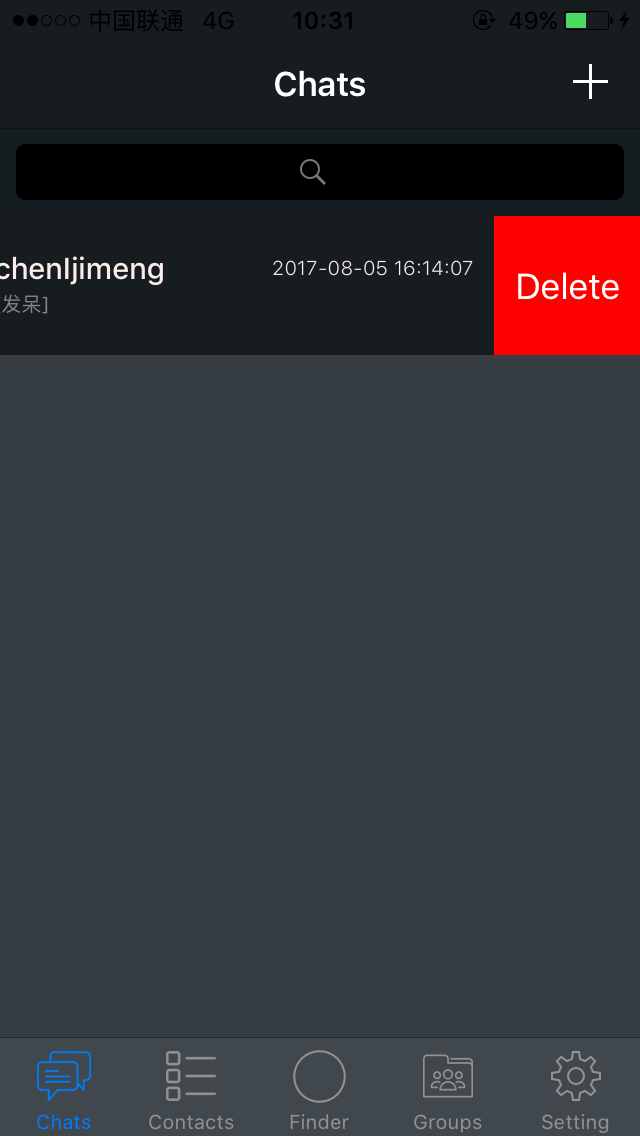
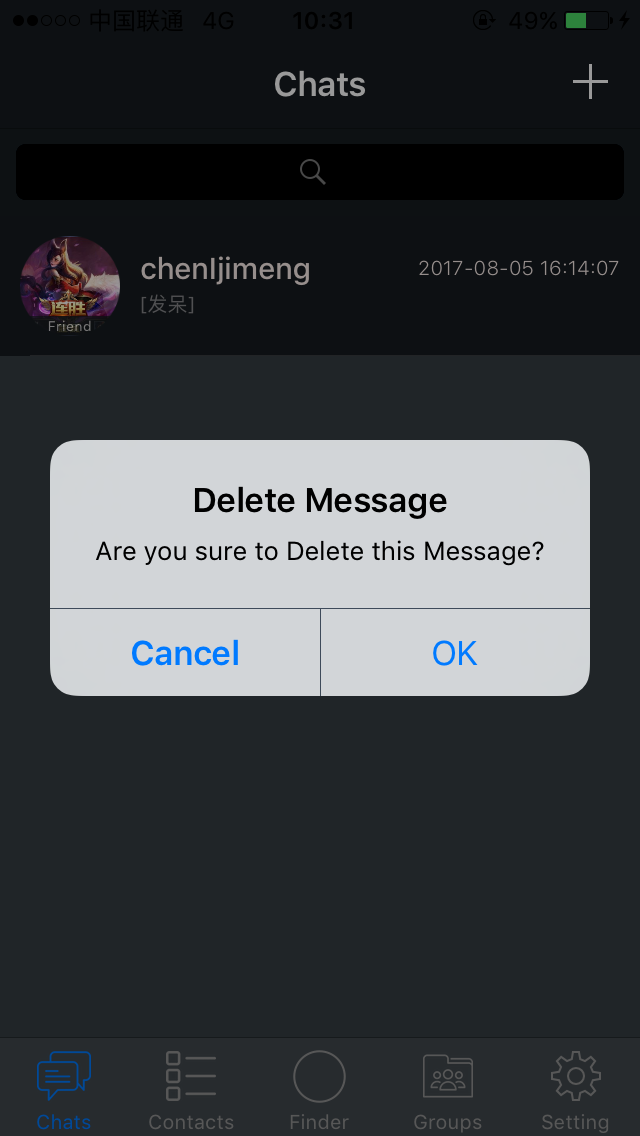
Three,delete the Hichat chat record Go to Hichat [chat] interface -> touch to delete the chat to the left slide -> click Delete button> click OK again.
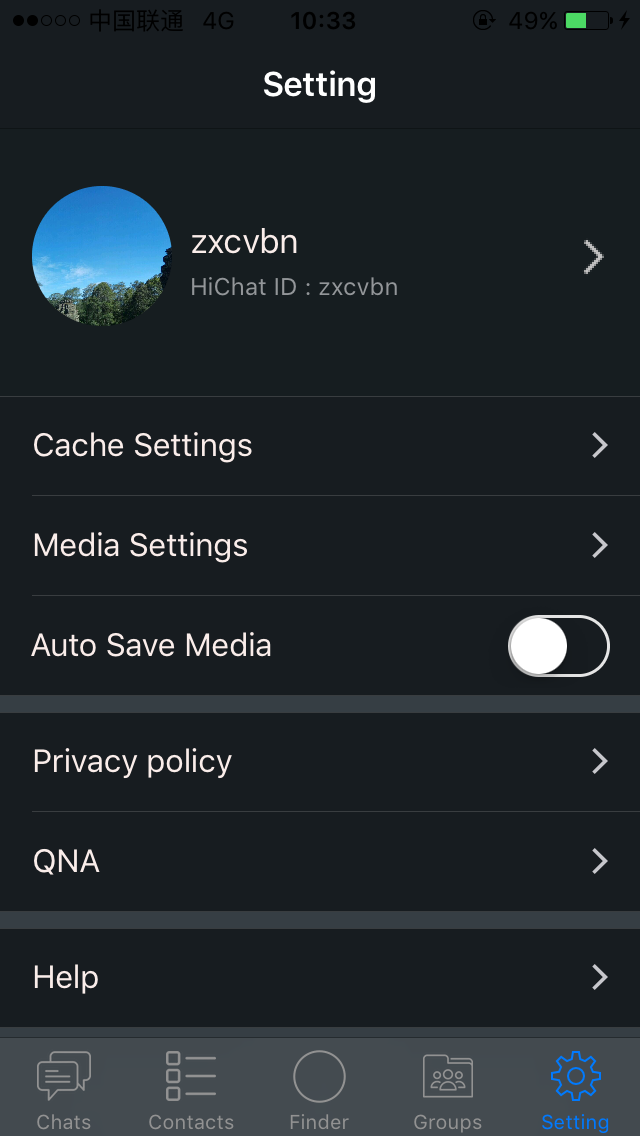
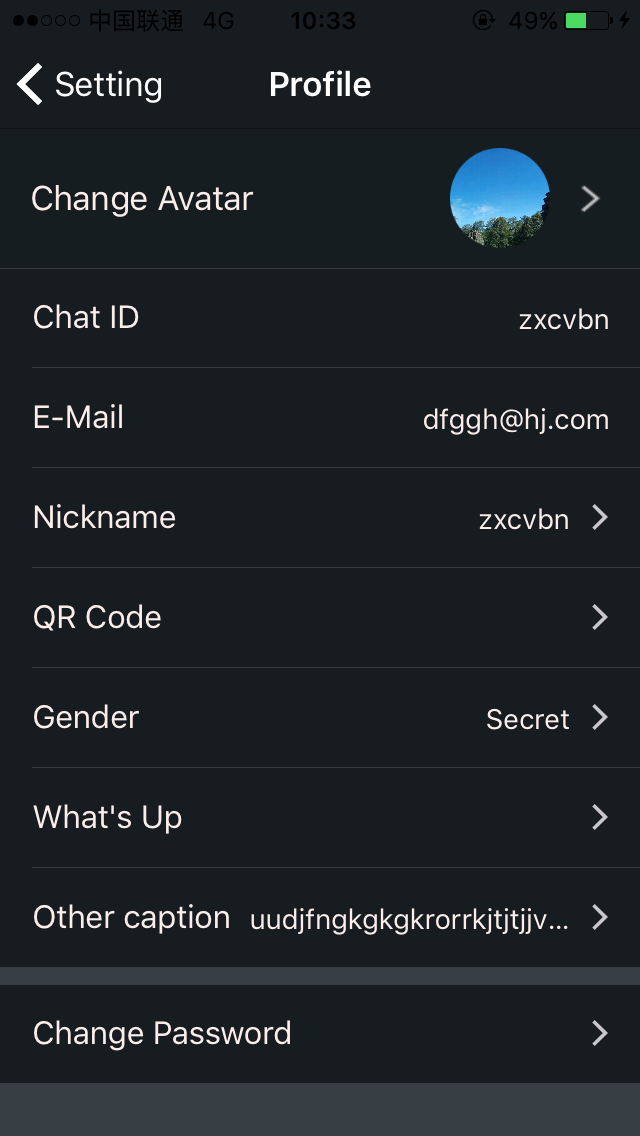
Four, Hichat personal information set / modifiedGo to the Hichat Settings interface -> click on the picture -> personal information, according to your needs to set Hichat head, nickname (name), gender, personalized signature, password and other personal information. At the same time can view Hichat number, E-Mail, two-dimensional code.
Five, Creating HiChat Group ChatUsers may need to click on the [+] sign at the upper right corner to create a Group Chat. Fill up the your desire Group Name and Description. Touch the [+] icon on the upper right corner again to add your HiChat friends to complete.
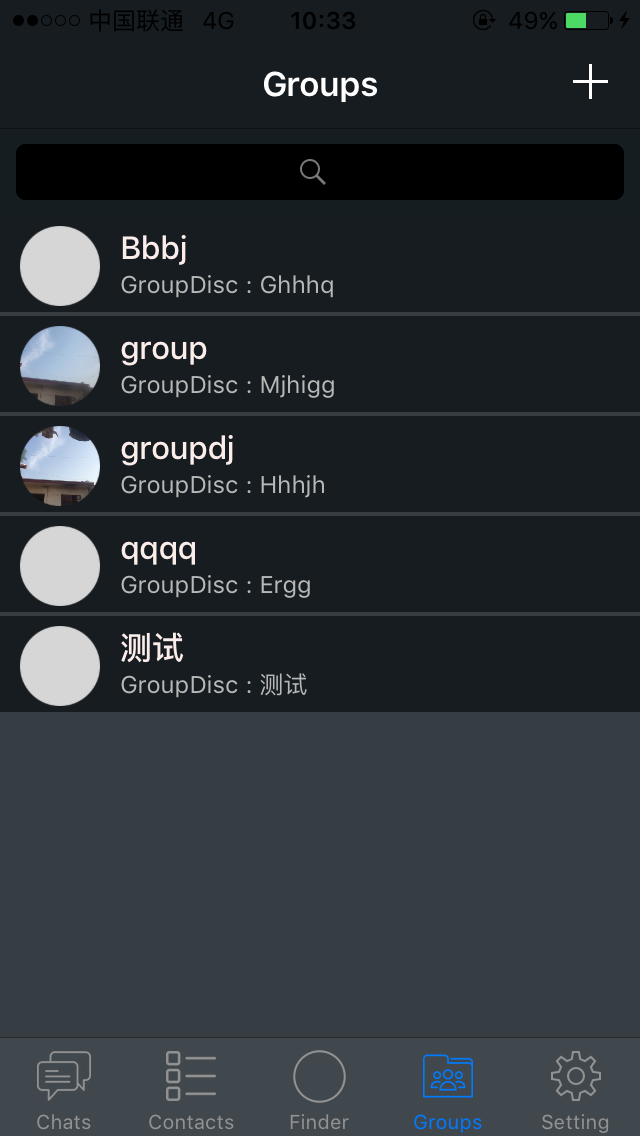
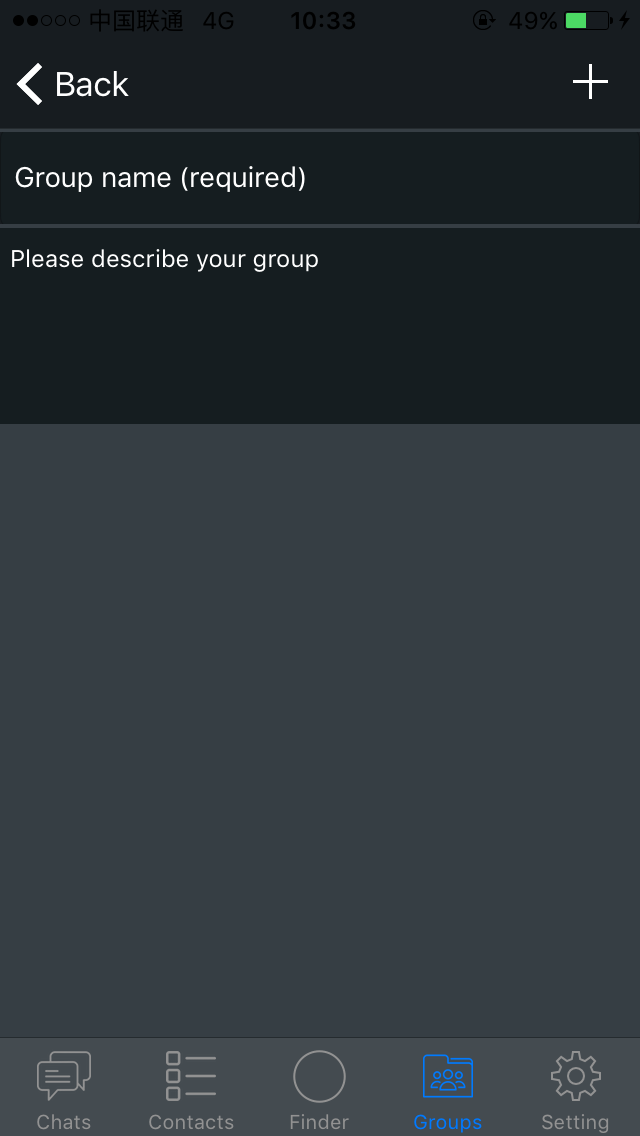
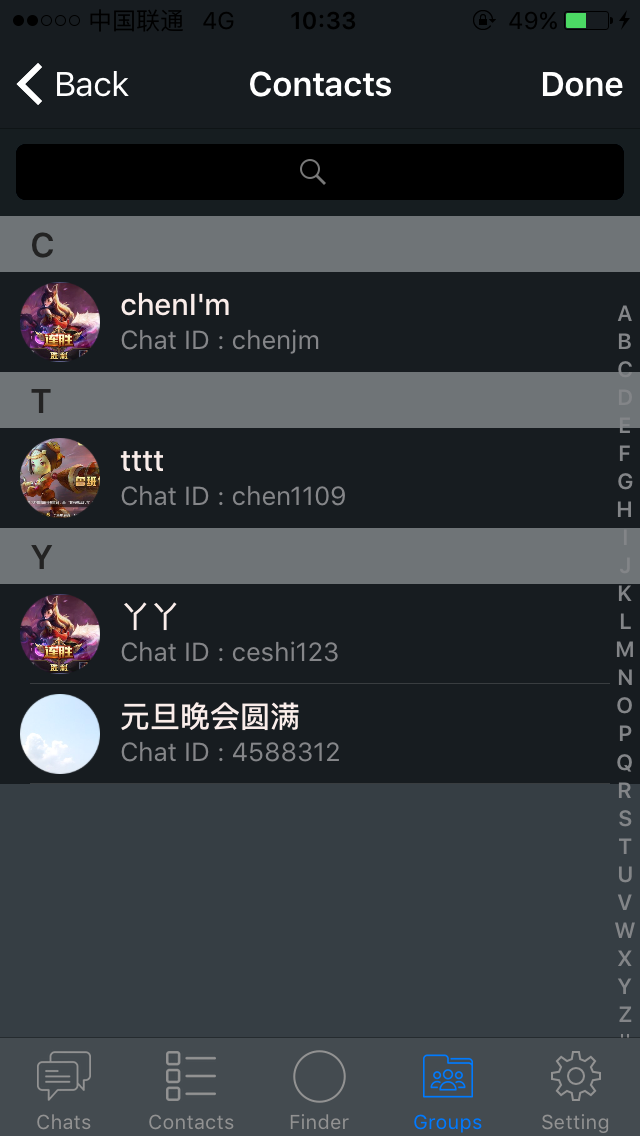
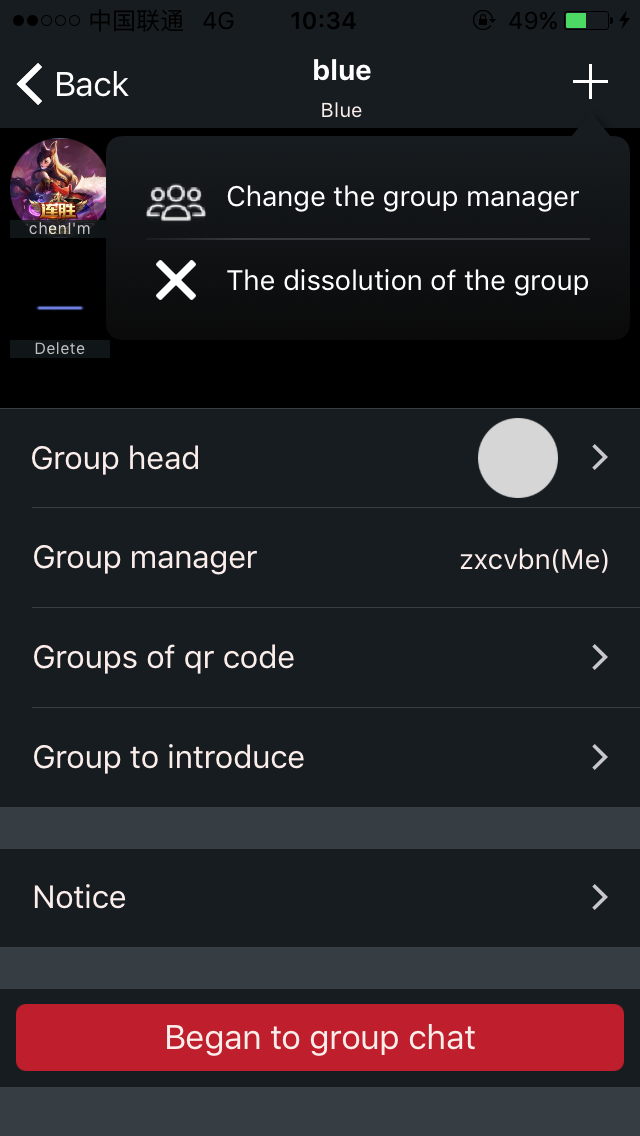
Six, Disassemble Group Chat and Transferring Administrator to Other UserYou may exit or transfer the administrator to your friends in a Group Chat by clicking on the [+] on the upper right corner. P/S: Only administrator can disassemble or transfer his/her ownership in Group Chat.
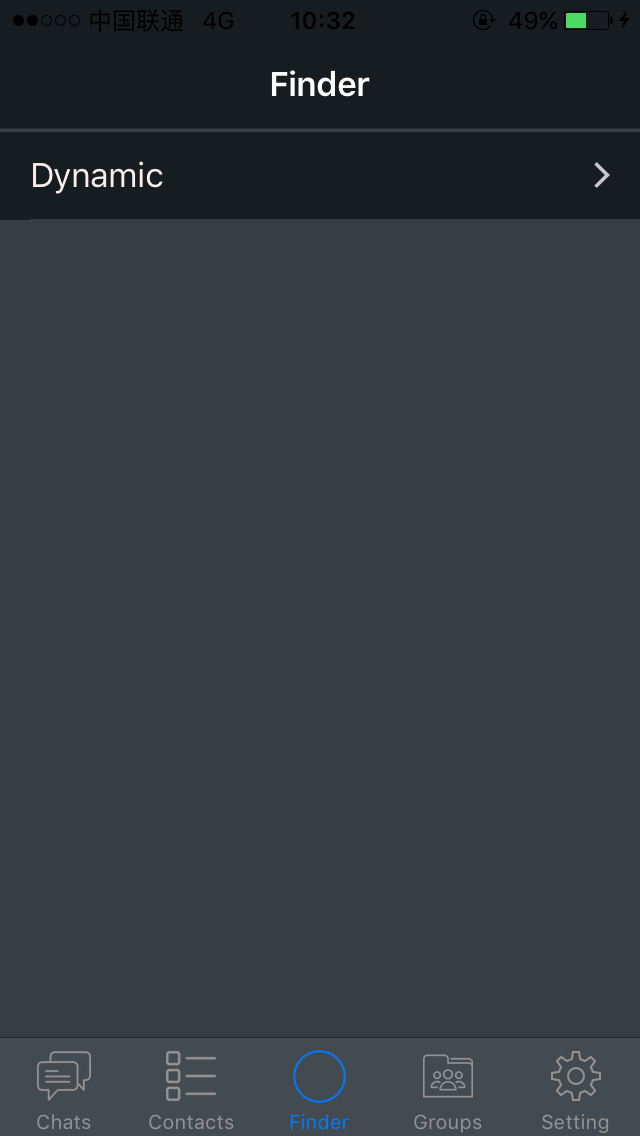
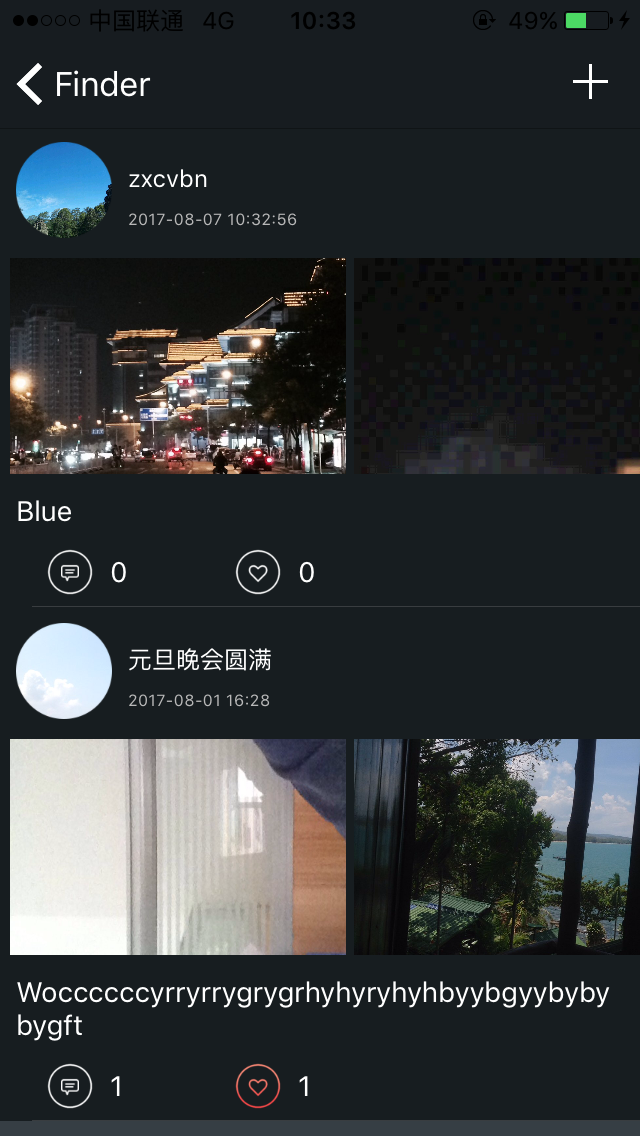
Seven,Dynamic FunctionEnter the HiChat Finder interface, click on the Dynamic and click the [+] icon on the upper right corner. Choose your desire photos or write anything about yourselves and click SAVE. ( All your feed will be posted in the Dynamic page, Feel free to Comment or Like your friend’s post!)